| RESPIRA.PRESS |
NO. 03 · 4 NOVEMBER 2026 |
|
| Founder notes |
| What I shipped and wrote this week, in one short letter. |
|
A NOTE FROM MIHAI
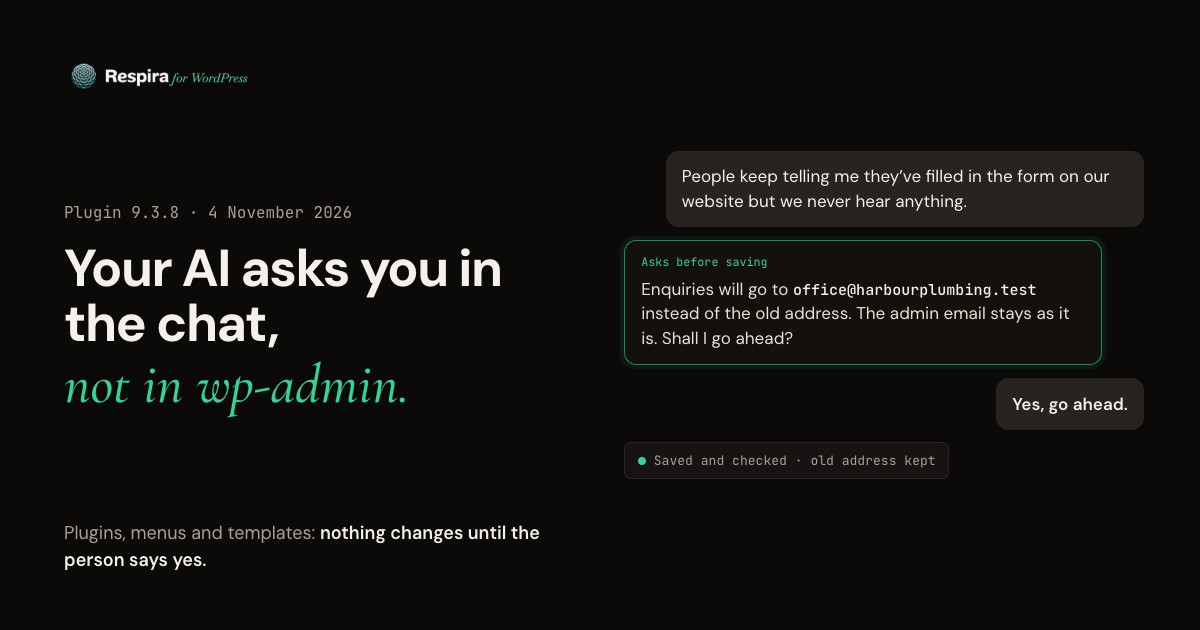
Your AI now asks you, in the chat.
Two plugin releases went out today, and the first one changes how Respira behaves on your site, so I want you to hear it from me and not from a changelog.
Until now, installing a plugin or changing a menu or a template stopped at a switch that only the site owner could turn on in wp-admin. Most people talking to an AI never open wp-admin, so the job stopped halfway: the booking page built, the booking plugin missing. In Respira 9.3.8 the agent asks you in the conversation, shows you what will change, and acts only on your yes. Sites that had plugin management switched on keep it on.
If you would rather keep it locked, open Respira, Settings, Safety controls in wp-admin and set it to Never. Agents then tell you the owner has turned it off, and do not ask.
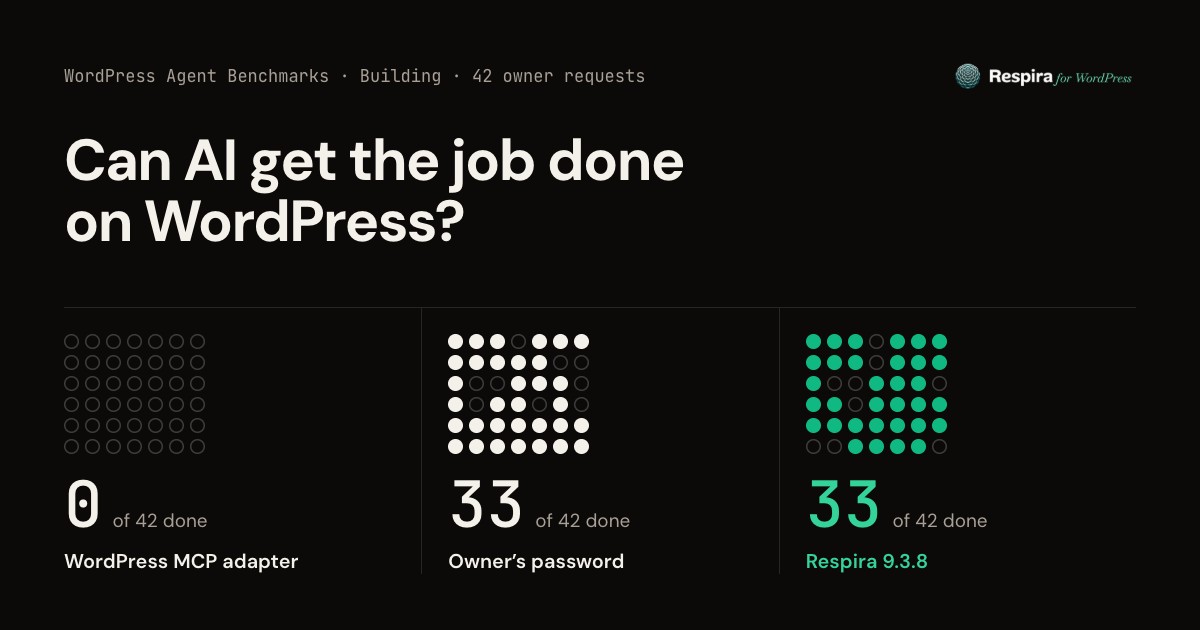
I measured the difference on Andy Peatling's open benchmark of 42 ordinary owner requests. Respira went from 23 finished to 33, the same as handing the agent your password, without handing it one. Every run is here, including the ones it still loses.
|
|
| THIS WEEK ON THE BLOG |
2 POSTS |
|
|
| RESEARCH · 6 MIN READ |
|
Can AI get the job done on WordPress? 42 owner requests, three ways in
|
| Two AI agents, 21 jobs from small business owners, three ways into the same site. Through WordPress's MCP adapter they finish none. With the owner's password, 33 of 42. Through Respira, 33 of 42 with no password, asking the owner in the chat. |
|
Read the article →
|
|
|
| ALSO SHIPPED THIS WEEK |
| · |
Forms reach the right inbox. New tools show where each WPForms, Contact Form 7 and Gravity Forms form sends its enquiries, and change the address after your yes. |
| · |
A crashed site names the plugin. When another plugin brings the site down, Respira says which one and how WordPress's recovery link gets you back in. |
| · |
Stock photos work again. In 9.3.9 image searches go to Unsplash first, with the photographer credited the way Unsplash asks. Openverse, which had been failing for two weeks, stays as the fallback. |
| · |
PageSpeed audits on Respira's key. On a site without its own Google key, audits no longer stop at Google's shared limit. |
| · |
WooCommerce add-on 4.1.8. A new product that is not published says it is not in the shop yet, and that publishing it needs no extra approval. |
|
| DAY 365 · MONDAY 16 NOVEMBER |
| Respira Code for WordPress |
|
|
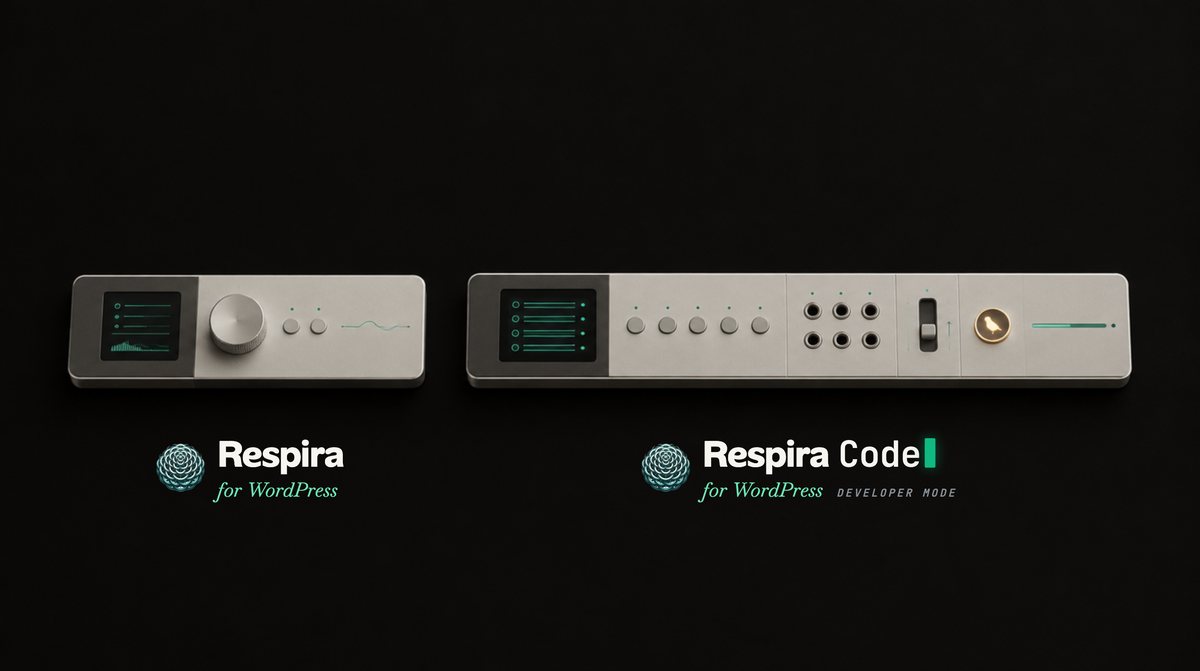
On Monday 16 November Respira is 365 days old. That is the day I open Respira Code for WordPress, its developer mode.
Respira works on your content. Respira Code is for the jobs that need code on the site, and it keeps what Respira already promises: you decide what an agent may touch, and nothing goes live without a way back.
If you build for clients and want to be among the first in, reply to this letter.
|
|
See every run
|

|
Mihai Dragomirescu
I build Respira for WordPress
Brașov, Romania
|
|

|
A human on the other end
I use AI to help me write and check these emails, the same way you use it on your WordPress sites. When you reply, it is me who reads it and me who answers. Hit reply and tell me what you are building. I would love to see it.
|
|
|