|
Jev by TypeSafe, now in Respira AER.
|
|
| RESPIRA AER · 19 SEPTEMBER 2026 |
| A second model now checks every change your AI makes. |
|
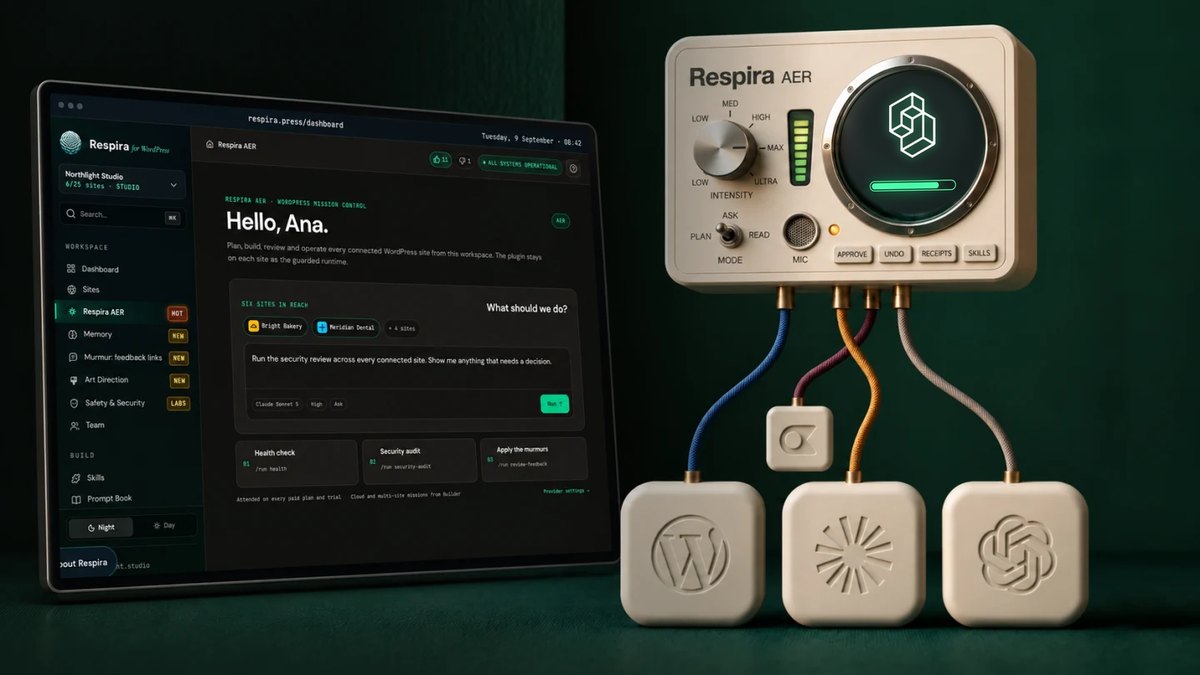
Respira AER runs Jev, a small decision model from TypeSafe, next to the AI you already use. It is on by default and included in every plan with AER.
|
|
The switch below is already on in your AER settings. Your own model (Claude, GPT or Gemini) still does the work; Jev checks that the work landed. Nothing to install, nothing to pay for: there is no limit on Jev for now, while i measure what it costs to run.
|
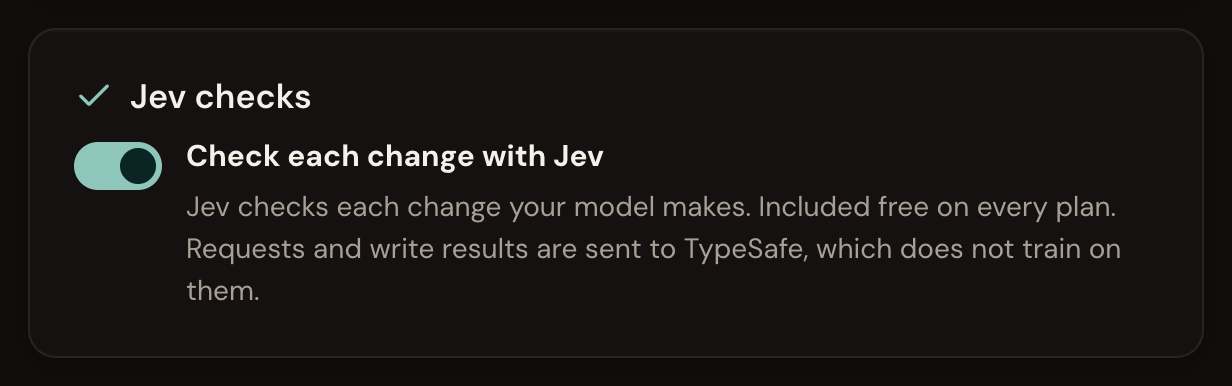
In AER settings, under Jev checks.
|
|
01
What Jev is.
The models most of us use write text. Jev does not. You give it a request or a record and a few typed questions, and it answers each one with a choice, a yes or no, or a score, together with how sure it is, in about half a second. TypeSafe calls it a System One model, after the fast, automatic kind of thinking. TypeSafe was started by Diogo Almeida after OpenAI, and Jev opened for early access this week. What i found testing it, and the one prompting lesson worth knowing.
|
|
|
02
A check after every change.
After each change your AI makes to a page, Jev answers three questions about the result: did the change land, is it what you asked for, and did anything else move. When the answer is no, AER tells your model to read the page back before it says the work is done. Nothing is blocked and no approval card appears, so Auto mode stays automatic. Each receipt gets a Jev line: how many checks ran and what they cost, never added to your model bill.
|
|
|
03
Passes judged by Jev, in the Do tab.
Open the Do tab in AER and you will find a new group, Judged by Jev: a search intent audit, a check that every headline delivers what it promises, an internal link map, comment triage, Murmur triage for your clients' review comments, and a WooCommerce catalog check. Each one reads a set of pages, comments or products from your site and has Jev judge all of them at once. In testing, twenty comments were sorted into spam, questions, praise and the ones to answer today in under a second. Every pass proposes changes and applies none.
|
|
|
04
Also new in AER this week.
Long runs hand over to a fresh time window before they are cut off, retired model names run on their current version, and a step that asks for a hundred tools at once runs what fits instead of failing. The chat list reads better, the version sits in the bottom left, and every AER release now shows on the releases page.
|
|
|
Why it arrived this fast: when new technology makes your work better and safer, Respira adopts it early, so you get it without doing anything. Jev opened for early access on Tuesday; it has been checking AER's work since Friday.
For each check, your request and the result of the write go to TypeSafe, which does not train on them. If you would rather they did not, switch Jev off in AER settings and AER works exactly as before.
|
|
|
Open Respira AER
|
|
The full story, with the tests and numbers: Jev in Respira AER.
|

|
Mihai
Brașov, Romania
|
|
|
