Your clients can now send photos with their Murmur notes
Mihai DragomirescuFounder, Respira for WordPress
RESPIRA.PRESS · MURMUR · 9.2.5
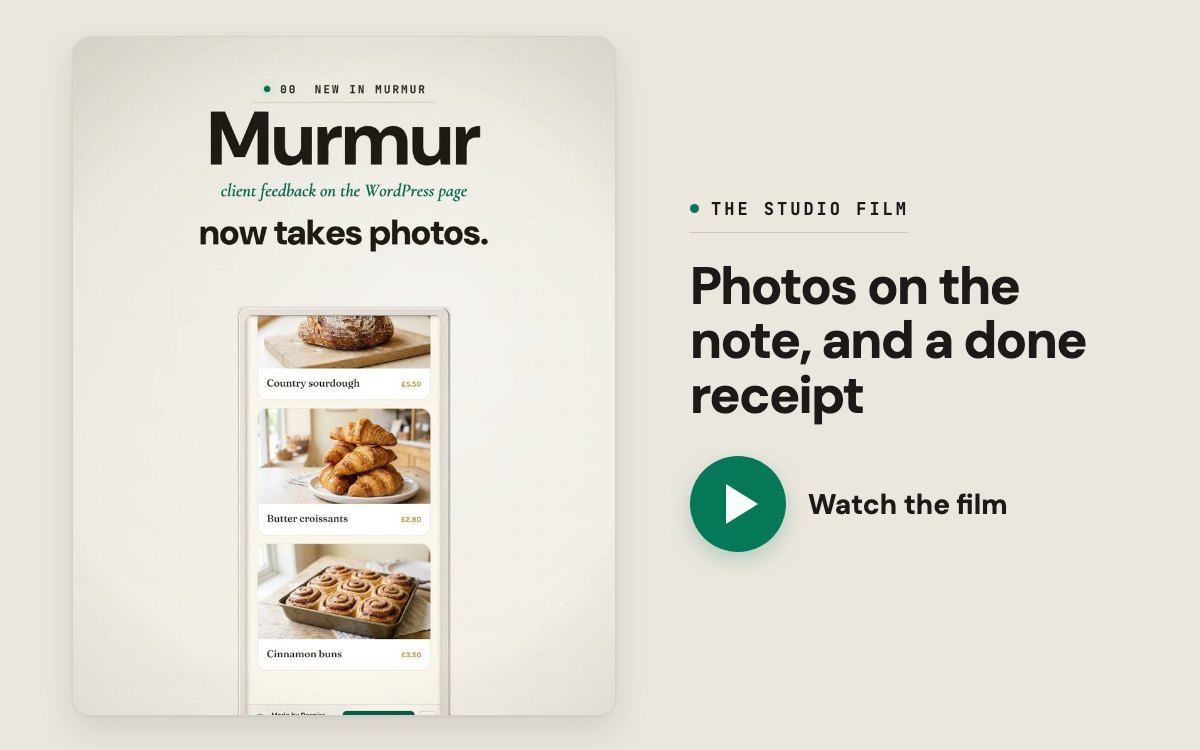
Your review links now take photos.
Murmur is the review link a client opens with no login to leave notes on the WordPress page itself. On Studio and Founder those notes now carry pictures, and it is already on for your account. Update Respira for WordPress to 9.2.5 on each site, and the next note can have a photo.
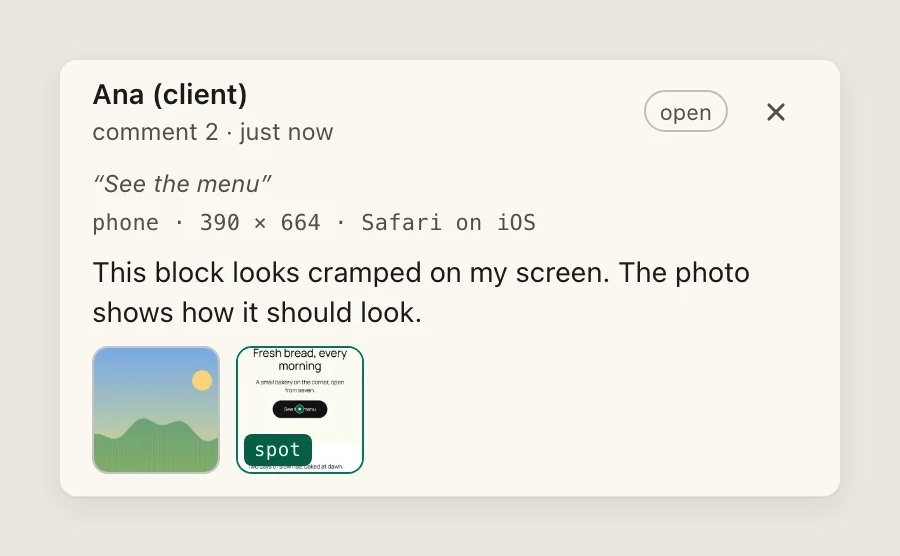
Photos with the note. Your client attaches up to three photos to a note, from the files on a computer or straight from the camera on a phone. The review bar also takes a picture of the spot they pinned, with any form fields left empty, and every note records the device it was left on.
A done receipt. When the note is resolved, your client opens it and sees what was changed, in your words or your agent's, and the spot before and after.
An inbox for the notes. The feedback page in your dashboard is now an inbox: each site is a sender, each page a subject. Forward to AER hands a note to Respira AER, the chat in your Respira dashboard that edits your WordPress sites. Copy prompt gives it to Claude, ChatGPT or any AI connected to the site through Respira.
The pictures stay on the WordPress site the note is about, never on respira.press. Each photo is re-saved there, which removes the camera's location, and agents see the pictures when they read the note.
One of the Respira Founders asked for this, and it was built for them first.
Mihai Dragomirescu I build Respira for WordPress Brașov, Romania
A human on the other end
I use AI to help me write and check these emails, the same way you use it on your WordPress sites. When you reply, it is me who reads it and me who answers. Hit reply and tell me what you are building. I would love to see it.
Get the next letter
One letter when something worth reading has shipped, written by the person who built it. No schedule, no sequence, and one click to leave.
cookies. the legal kind. one click and I'll get out of your way.
what you'd actually be saying yes to
tune your cookie preferences
essentials stay on regardless. the rest is opt-in. nothing fires until you tap save.
essentials
the cookies that make logging in work and remember which partner sent you. switching these off would just break the site, so the law does not let me make you opt out.
first-touch source on a /respira_acq cookie, plus a flag if an ai chatbot referred you. helps me figure out what is working without turning you into a tracking pixel statue.
1 vendor listed
Reddit AdsUS _rdt_uuid, rdt_cid
messaging
customer.io for in-app notes, chatwoot when you click the support bubble. off by default. on means I can actually answer you in the app.