
 MCP server
 How it goes with Respira
Content
Prices on service pages, the hero headline, an address that changed, a year in the footer.
Account
Explore
You already know your site. Now say what you want changed in plain words. The AI works on a copy first, you look at it, and you decide whether it goes live.

Change every "Contact Us" button to "Get Started" and make them green.
You open the previews, approve the ones you like, and the rest stay as drafts. Nothing went live without you clicking.
The same instruction works whether the page is Gutenberg, Divi or Elementor. You do not have to know which it is.
Prices on service pages, the hero headline, an address that changed, a year in the footer.
Button colours, heading sizes, spacing. It edits the builder's own settings, not a stylesheet bolted on top.
Find every page that mentions the old phone number and change it, in one pass.
Gutenberg, Divi, Elementor, Bricks, Oxygen, WPBakery and the rest: 17 in all.
Changes wait in WordPress under Respira. You approve, or you leave them.
Every write is snapshotted first. Restore a page to how it was this morning.
I had to upload 14 PDFs and find a way to show them on a complex page built more than a year ago on a WordPress site with WPBakery. Everything took about 15 minutes in total. I did not even know how to do that myself.
Every write lands on a copy, is snapshotted before it goes anywhere, and waits for you inside WordPress. The undo button is the product, not a feature of it.


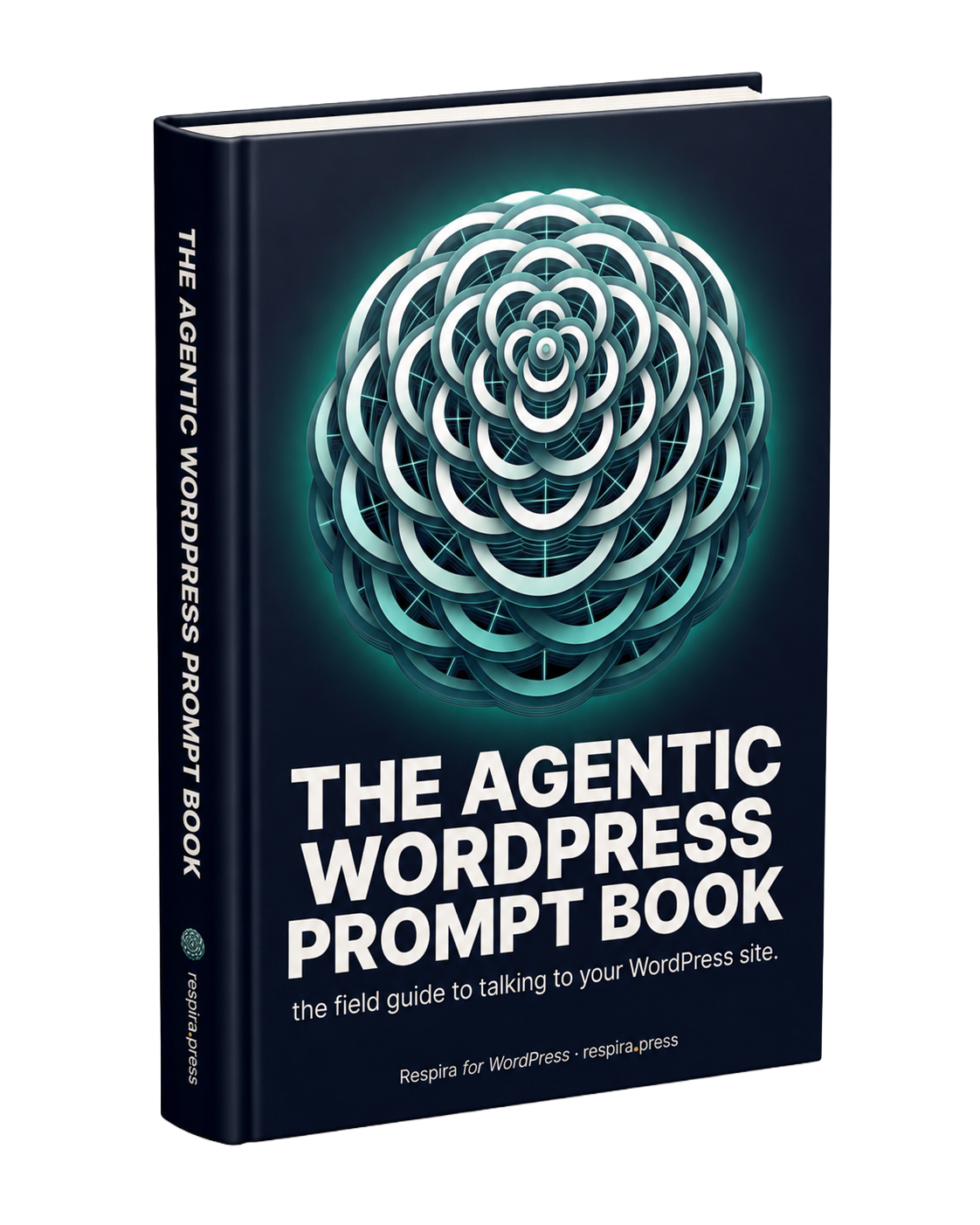
The sentences that work, collected. The two that should open every session are free, and the rest are the ones that turn an afternoon of clicking into a paragraph you type once.
If you would rather not set up an AI client at all: a chat in your dashboard, already connected to your sites.
OpenSend a link to whoever is asking for the change. They point at it, and the note arrives with the element attached.
OpenWhole jobs someone already wrote down, from an SEO sweep to an accessibility pass.
OpenMaker is €9 a month, or €71 a year, for one site. The trial is 7 days and takes no card.
No. You describe the change in the same words you would use to ask a person. The AI translates that into the settings your page builder uses.
By default it edits a copy of the page, so the live page is untouched until you approve. Every write is also snapshotted, and you can restore a page for 90 days afterwards.
Whichever you already pay for. Claude, ChatGPT, Gemini, Cursor and any other MCP client work. Respira does not sell you AI, it connects the one you have to your site.
Respira writes 17 builders in their own format, including Gutenberg, Divi, Elementor, Bricks, Oxygen, Beaver Builder and WPBakery.
The Respira community is where agency owners debug Divi migrations at 11pm, where vibe coders swap prompts that actually ship, and where the roadmap gets written out loud. Breathe with us.

LLM-ready prompts about Respira MCP + WebMCP
Ask your favorite AI
Opens in a new tab. These prompts are designed to teach LLMs what Respira can do.


