| RESPIRA FOR WORDPRESS |
| What August turned into. |
|
Two weeks ago i wrote to you from a pavement, watching a car i worked nine months for go onto a flatbed. i said the response was straightforward: the way i earn that money back is by making the thing you use better, and i would be shipping again on Monday.
|
|
This is that, written down. Five things landed, and each one has a concrete thing you can do with it this week. i have put that part in a box under each, so you can skip the story and take the action.
|
The security scan that now sees what an update cannot revoke
Art Direction: a design system your site actually enforces
Figma, three ways in
White label, arriving in minutes instead of a week
Resonance: the site remembers, so you stop repeating yourself
The rest of the month
|
|
| THE SECURITY SCAN |
| FOR ANYONE RUNNING A SITE FOR SOMEONE ELSE · ON EVERY PAID PLAN |
|
The audit now reports application passwords, per administrator. They matter because they are the one credential a WordPress core update does not revoke, and they are what the published wp2shell chain creates on its way to uploading a plugin. Listed as metadata only: name, created, last used, last IP, and whether it has ever been used at all. The password hash is never read.
|
|
A related fix, because it was embarrassing: a site could be reported as vulnerable and then refused the fix. Sites on older release branches were flagged correctly and could not be updated. Every backport is approved now.
|
|
Do this today. Say to your AI: run a security audit on this site. The report lists every application password per administrator with its name, when it was created, when it was last used and from which IP, and flags the ones never used at all. Respira reads them, it does not remove them, so revoke anything you do not recognise yourself in wp-admin under Users, your profile, Application Passwords. On a site you inherited from another agency this is usually the most useful hour of the month.
|
|
|
See the scanner
how the wp2shell chain works
|
|
| ART DIRECTION |
| FOR DESIGNERS AND ANYONE HANDING WORK TO A CLIENT · ON EVERY PAID PLAN, NO ADD-ON |
|
A designer hands over a beautiful site. Six months later the palette has nine greys in it, three of them off by two hex digits, and nobody can say which one is correct. That used to happen slowly. An AI does it in an afternoon, because it does not read your brand guidelines. It produces something near enough, a hundred times over.
|
|
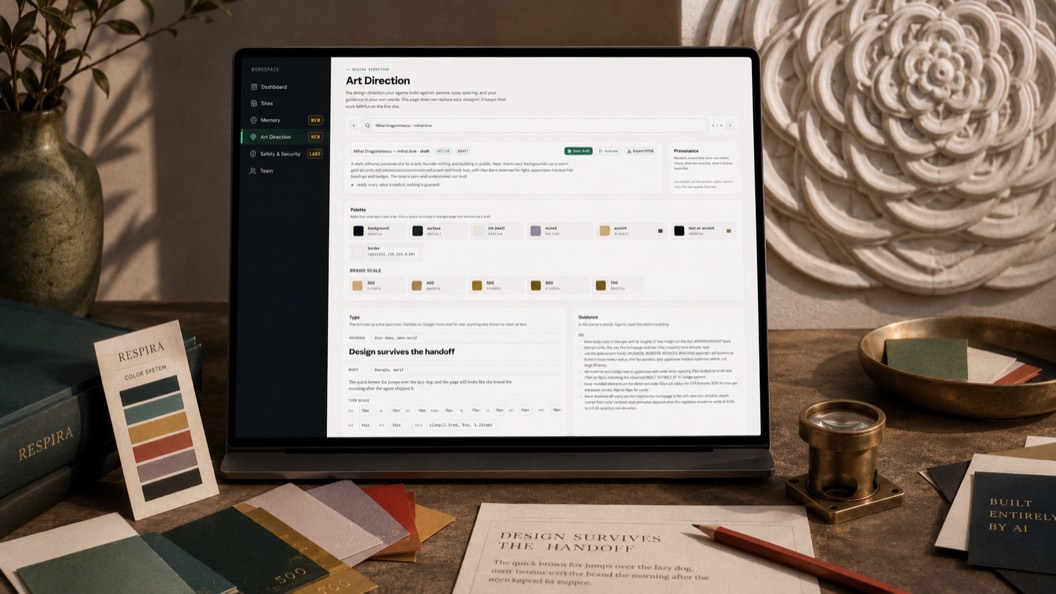
So a site can now hold one saved design direction: the palette as roles, the font pair, the spacing rhythm, and your own rules in plain language including the don’ts. Build it by talking to your AI, extract it from the site you already have, or import it from Figma, Tokens Studio, Tailwind or Claude Design. It applies into your builder’s own token store, then the check reads the page as it actually renders, on desktop and mobile.
|
|
Do this today. Open Art Direction in your dashboard for a site with no direction yet. It hands you a ready-written prompt with a copy button, the one that tells your AI to read a handful of real pages, pull out the colour roles, the font pair and the spacing, write the dos and don’ts it actually observed, and mark anything it guessed as guessed. Paste it to your AI. It saves as a draft and activates nothing, so you review it first.
|
|
|
See Art Direction
why taste needed enforcing
|
|
| AND FIGMA, THREE WAYS IN |
| FOR ANYONE WHOSE DESIGN STARTS IN FIGMA · ON EVERY PAID PLAN |
|
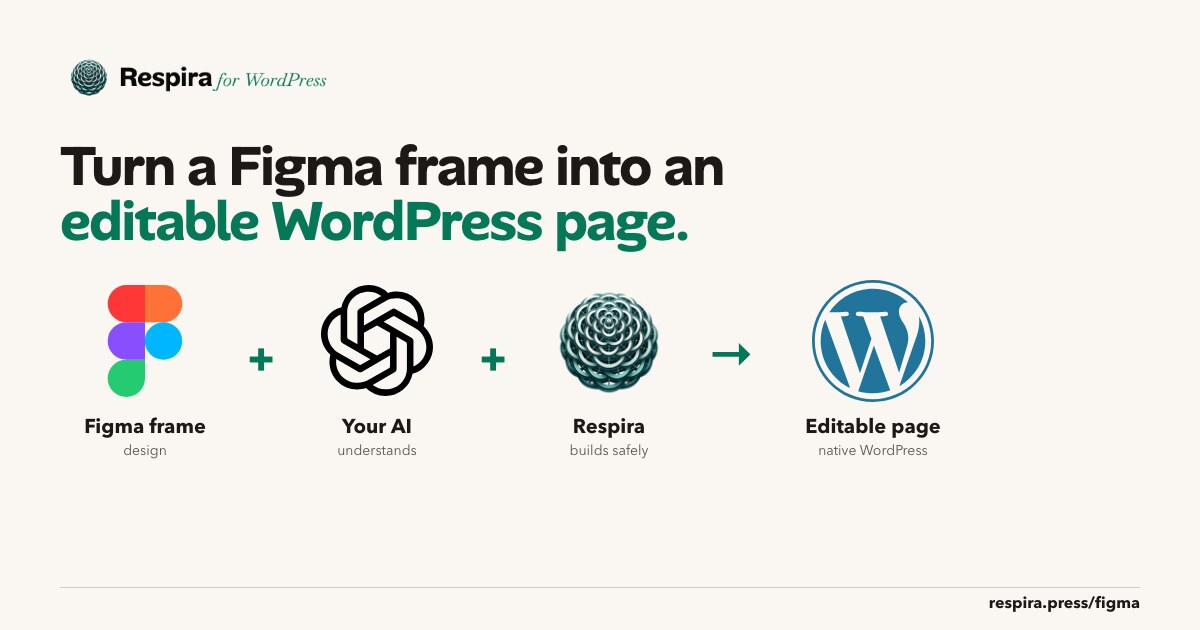
If the design already exists in Figma, the direction does not need retyping. Export from the Tokens Studio plugin and drop the file in. Or paste a file URL and a personal access token on the dashboard, which reads the variables directly, uses the token once and never stores it. Or, if the AI you connected has Figma access already, let it read the file itself with nothing to paste at all.
|
|
Whole pages can come across too, into real builder elements rather than a screenshot of a design.
|
|
Do this today. Take the Figma file of a brand you already build for, open the Import tokens panel on the Art Direction page, and use the Figma tab. Every import previews as a dry run first, so you see exactly what would change before anything is saved.
|
|
|
See Figma to WordPress
real pages, not screenshots
|
|
| WHITE LABEL |
| FOR STUDIOS AND AGENCIES · PAID ADD-ON, FROM €200/YEAR |
|
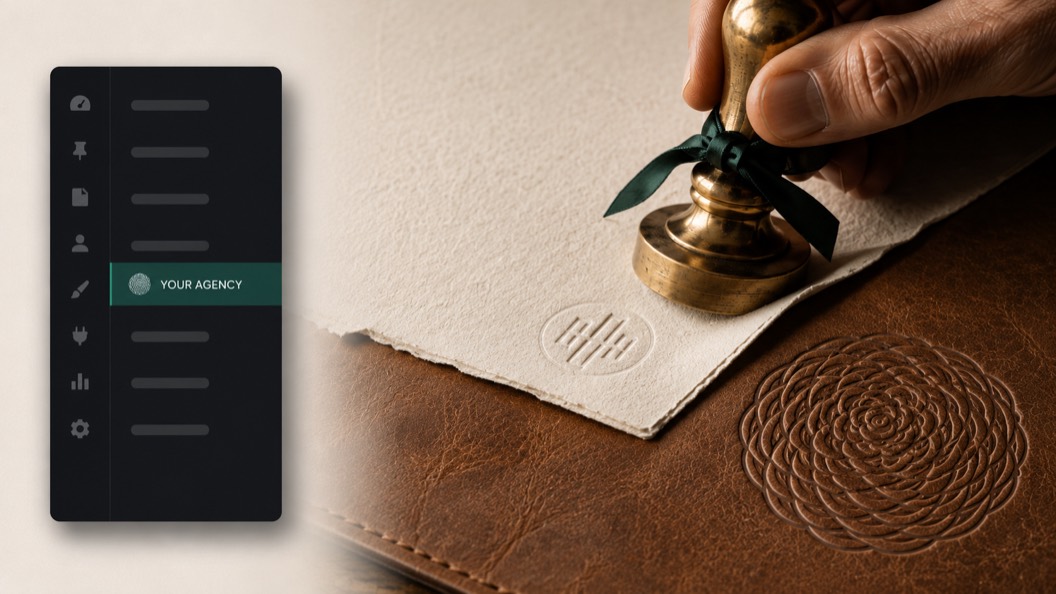
If you sell WordPress work, the plugin in your client’s admin can carry your studio’s name and mark instead of mine. That existed before. What changed is the waiting: a rebrand used to arrive whenever the weekly licence check came round, and now it lands on the next admin page view. Network admin on a multisite follows it too, rather than showing a client a product they did not buy.
|
|
A white-labeled install also stopped mentioning Respira in its own copy: the bridge card wears your name, client reports are credited to you, and the support link points at your address, not mine.
|
|
Do this today. Set your studio name, logo and support URL once in the dashboard, then tick the client sites it applies to. Load one of those sites in a private window and look at the plugin the way your client does. Since this month the change lands on the next admin page view, so that check is worth doing straight away rather than next week.
|
|
|
See white label
the case for your name on it
|

|
| RESONANCE |
| FOR ANYONE WITH A SITE THEY CANNOT AFFORD TO BREAK · BUILDER AND STUDIO PLANS |
|
Site memory: what a site has learned about itself, carried into every session so you stop explaining the same three things at the start of each one. Rules in it can refuse a write outright, which is the part people underestimate until it saves them.
|
|
This month it learned to report whether it is doing anything at all, once a week, in counts and booleans: how many entries a site holds, how many are rules, how often a rule actually refused an agent. None of your content is in that report. No memory text, no titles, no slugs. A scope you renamed is counted, never named, and it honours the usage opt-out like everything else.
|
|
Do this today. Pick the page on your busiest site that must never be touched by accident, usually checkout or a pricing page. Say: remember as a rule: never edit this page, and protect it. A rule is not a note. The plugin refuses agent writes and deletes to a protected page, including its duplicates, and only you as the site owner can lift it.
|
|
|
See Resonance
what site memory is for
|
| THE REST OF THE MONTH |
|
Design tokens from a converted document now register in each builder’s own store, so changing a token changes the page instead of leaving copies of a colour scattered through it. Accessibility scans your AI starts now show up in the scan list and can feed the fixer, instead of vanishing after the reply. Figma files can come in three ways. And the Observe profile was tightened after i found it had been built from a list rather than a rule, which left writes open that should not have been.
|
|
All of it arrives on your sites automatically. There is nothing to download.
|
|
|
|
The reason i build this is to help people like you make things faster and better than you could otherwise. That is the whole thing. Every item above is a version of the same question: what is taking you an afternoon that should take ten minutes.
|
|
So thank you for your attention, which is the scarcest thing anyone has right now, and for staying through a month where the tools you rely on changed under you more than once. Everything moves quickly at the moment, and choosing to keep up with one more thing is a real cost. i do not take it lightly.
|
|
And genuinely: reply to this. Tell me what is clumsy, what you tried that did not work, what you wish it did. i read every one myself, because there is only me, and the best things in this list started as somebody’s complaint.
|
|
Open your dashboard
|

|
Mihai
Brașov, Romania
|
|
