


Figma → WordPress
Hand your Figma design to your AI.
Get a real, editable WordPress page.
The figma-to-* skills read your Figma layer tree — frames, auto-layout, text, colors, images — and rebuild it in your builder's own format: Elementor, Divi, Bricks or Gutenberg. Not an image, not an iframe: a normal page your team can keep editing by hand.
Three steps, about ten minutes
-
Connect Respira to your AI app
From the connection page, pick the app you already use — Claude, Cursor, VS Code, Codex — and use its one-click install. Your WordPress site and your AI are now introduced.
-
Connect Figma to the same app
Add Figma's hosted MCP server,
mcp.figma.com/mcp, as a second connection. It works on every Figma plan, including free Starter. No Figma MCP in your app? A file link plus a personal access token works too. -
Ask for the conversion
Say:
figma to elementor(ordivi,bricks,gutenberg): [paste your frame link] onto [your site]. The agent reads the design, shows you a build plan, and after your approval writes the page to a draft. Nothing live is touched, and every write has 90-day rollback.
What carries over, honestly
Carries over
- Layout structure and nesting: frames and auto-layout become flex containers
- Text with hierarchy: headings inferred from font size, body copy intact
- Typography: family, size, weight, line-height, letter-spacing
- Colors, gradients, borders, radius, shadows, opacity
- Images: downloaded from Figma, sideloaded into your media library
- Patterns it recognizes: FAQ stacks become accordions, image rows become galleries, number-and-label pairs become counters
- Your Figma palette, mapped to Elementor global colors
Needs your hand
- Pixel-perfect spacing: browsers render differently than the Figma canvas, expect light fine-tuning
- Mobile and tablet: the build targets the desktop frame; responsive passes are yours unless the file has explicit mobile frames
- Component variants: flattened to visible content and flagged
- Prototype interactions and smart animate: skipped, no builder equivalent
- Complex vector art and masks: flattened to images where possible
One skill per builder, each speaking its native format
A Figma conversion is only useful if the result stays editable in your builder, so each skill writes the builder's own storage format — never pasted HTML.
- figma-to-elementor Node-by-node mapping to Elementor widgets and flex containers; the frame's palette registers as Elementor global colors. Elementor on Respira
- figma-to-divi Native Divi sections, rows, columns and modules — Divi 5 blocks or Divi 4 shortcodes, auto-detected. The live demo above is this path. Divi on Respira
- figma-to-bricks BEM global classes instead of inline styles, the palette imported into the Bricks design system, ACSS-aware, health-checked after the build. Bricks on Respira
- figma-to-gutenberg Plain core blocks that work on any WordPress 6.6+ site with no page builder installed; the palette registers in Global Styles.
Say the skill name with your frame link — figma to divi: [link] onto [site] — and the agent
takes it from there. Other builders (Oxygen,
Breakdance, WPBakery and the rest) work through the generic
conversion path at lower fidelity; dedicated skills follow where the demand shows up. All skills are in
the marketplace, included on every plan.
Four real conversions, on a live site
None of these are mockups. Each pair below is a free Figma community design and the live Divi 5 page an AI agent built from it through Respira — real sections, rows and modules you can keep editing in the builder, published on mihai.love. Click any card to open the source design or the live page. Designs by aryarajasa and Yan Liu (CC BY 4.0).


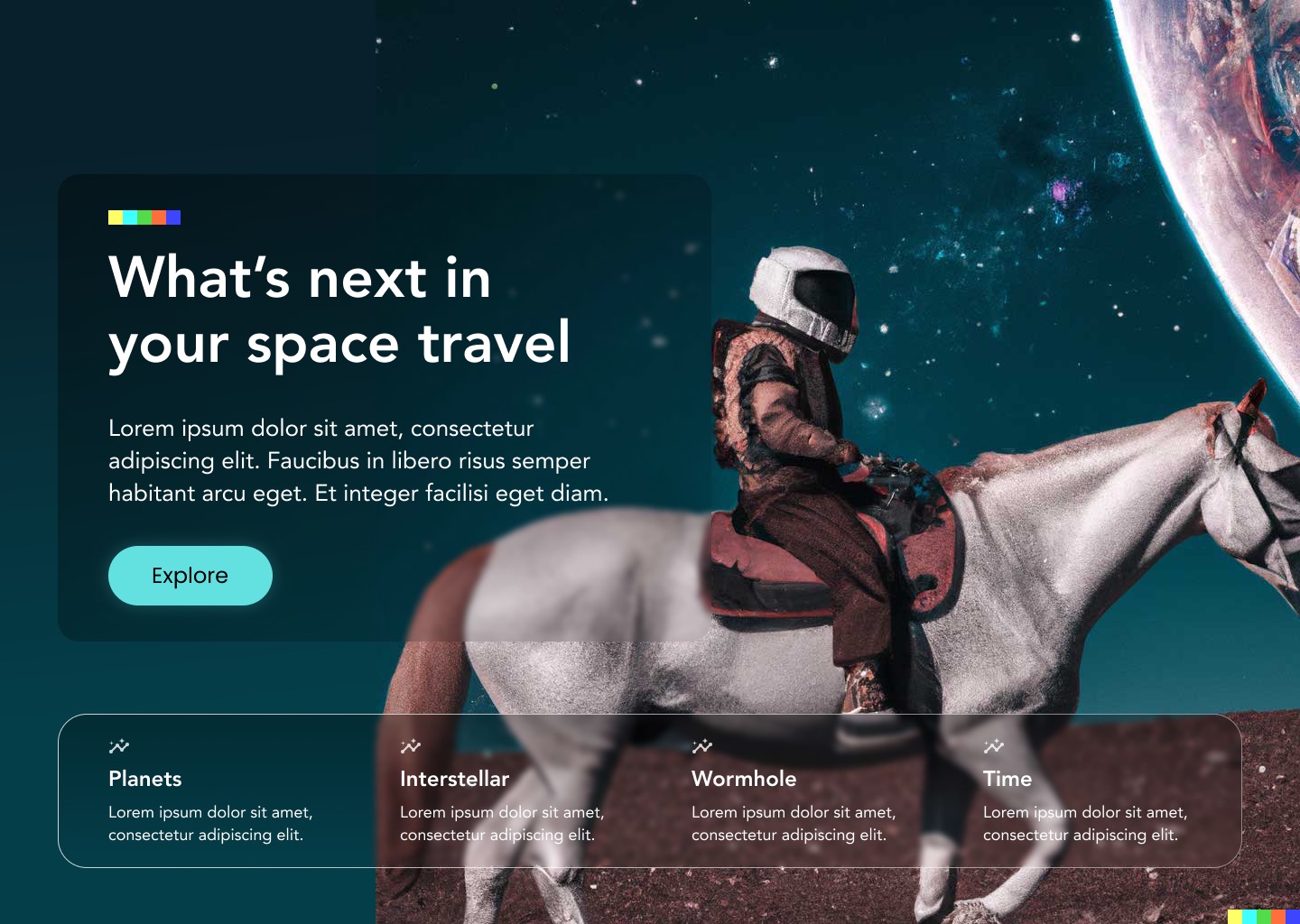
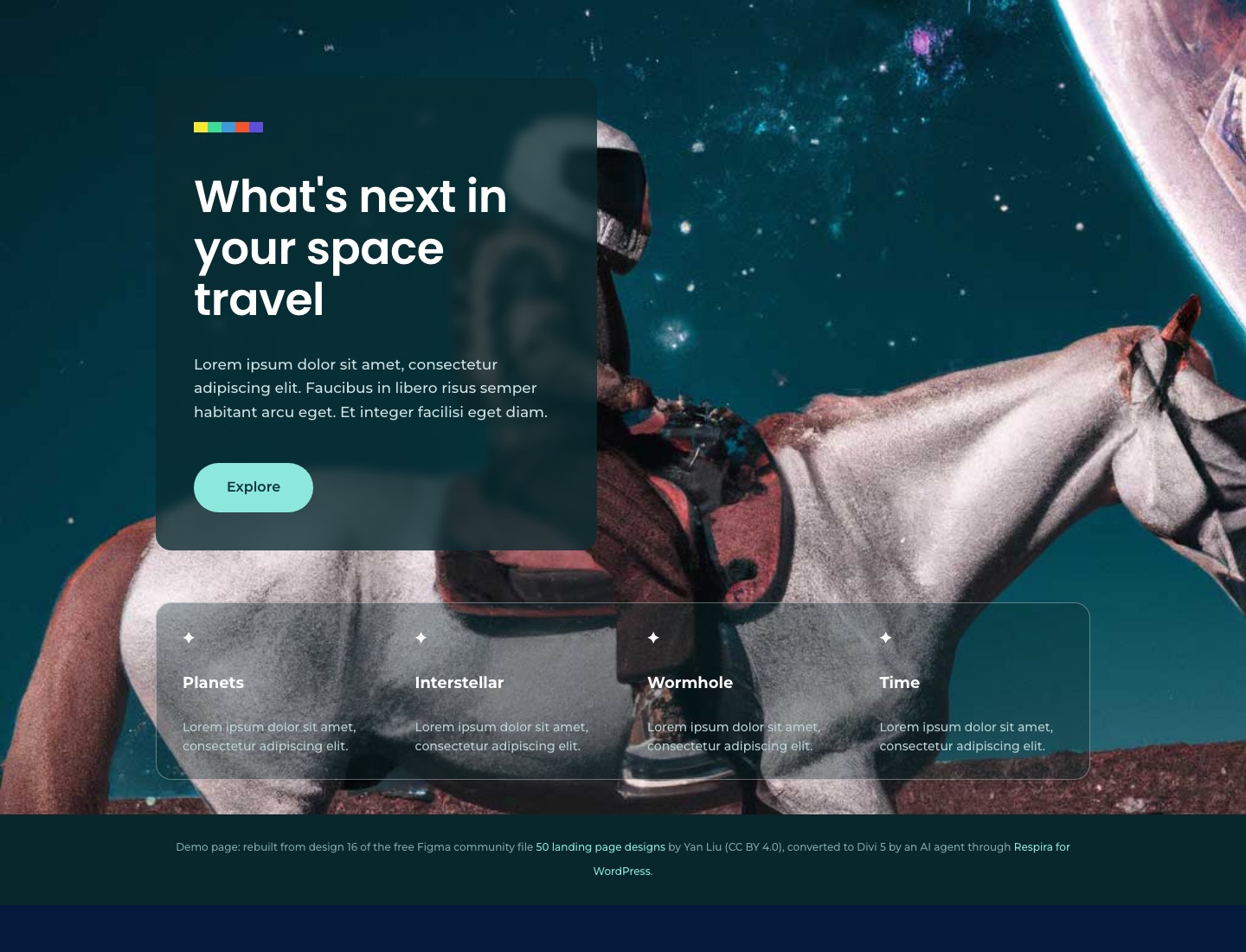


Same structure, same colors, the design files' own photos sideloaded into the media library, and every page stays hand-editable in Divi. That is the standard the conversion holds itself to: close and editable, not pixel-perfect and frozen.
Questions people ask first
Is the result pixel-perfect?
No, and any tool that promises pixel-perfect is overpromising. Elementor renders with the browser box model, not the Figma canvas, so the page lands close to the design and you fine-tune spacing by hand. Text, structure, colors, fonts and images carry over faithfully.
Which Figma plan do I need?
Any plan, including free Starter. The conversion reads your file through Figma’s hosted MCP server (mcp.figma.com/mcp) or a file link plus a personal access token, neither of which needs a paid Figma seat.
Which page builders can receive the design?
Four builders have dedicated skills: Elementor, Divi, Bricks and Gutenberg, each writing the builder’s native format. The other supported builders work through a generic conversion at lower fidelity; more dedicated skills follow where demand shows up.
Can it break my live site?
No. The skill writes the converted page to a draft duplicate, you approve before anything publishes, and every change carries a snapshot with 90 days of rollback.
What about mobile breakpoints?
The build targets the desktop frame. If your Figma file has explicit mobile frames the agent uses them as reference; otherwise plan a manual pass over tablet and mobile.
Do component variants and prototype interactions carry over?
Component instances are flattened to their visible content and flagged. Figma’s prototype interactions, smart animate and overlays have no Elementor equivalent and are skipped.
See it on your own design.
Free for 7 days, no card needed. Bring one Figma file, connect your site, and watch it become a page you can keep editing.
Start freeFigma is a trademark of Figma, Inc. WordPress is a trademark of the WordPress Foundation. Divi, Elementor, Bricks and other builder names are trademarks of their respective owners, used here to describe compatibility. Respira is independent and not affiliated with or endorsed by any of them.

