MCP server
 What replaces it
Builder-native output
Real widget and module types with their own settings, so the visual builder can still edit them.
Account
Explore
Not an export, not a screenshot in a code block. Actual Elementor widgets and Divi modules, on a duplicate, that open and edit like you built them by hand.
Take this Figma frame and build it as an Elementor section on a copy of the homepage.
You open the duplicate in Elementor, nudge what needs nudging, and publish. Nobody else was in the loop.
Two MCP servers in one instruction. The design tool you already use, and the site.
Real widget and module types with their own settings, so the visual builder can still edit them.
Images from the frame land in the media library and are referenced properly, not hotlinked.
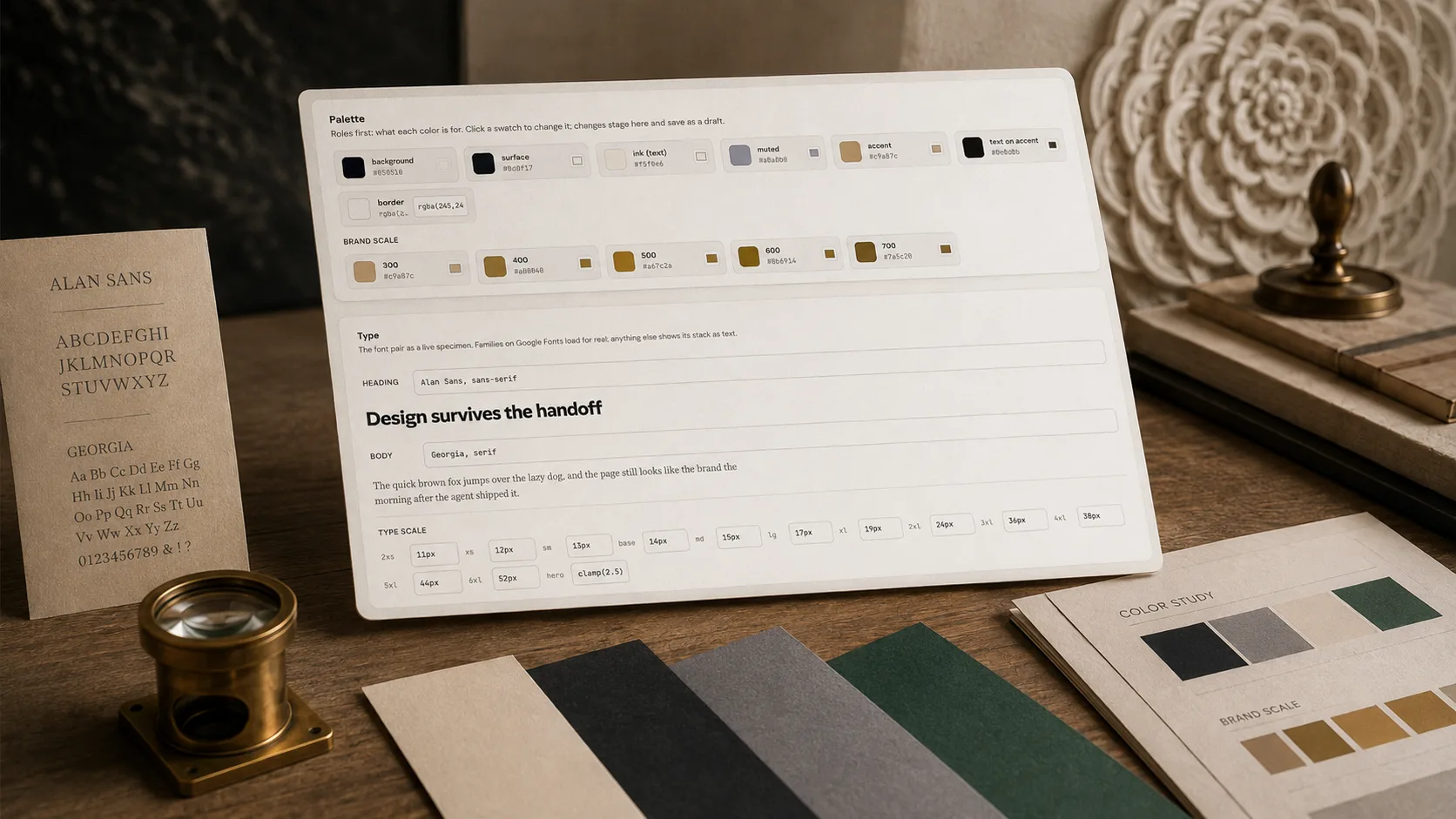
Save the palette, the type scale and the spacing once, and have every new section checked against it.
Scans a page for off-palette colours, filler copy, broken hierarchy and three-equal-card layouts before you show anyone.
The live page is never the draft. Approve the copy when it is right.
17 of them, so the client on Bricks and the client on Divi are the same job.
Your agent reads the Figma frame through Figma's own MCP server and writes it into WordPress through Respira. Layout, type and spacing come from the file, not from somebody squinting at a PNG.


Save the palette, the type scale and the spacing once. Every section an agent writes afterwards is checked against them, and what drifts is named before anybody else sees it.
Client feedback pinned to the element. No more "the button on the third section, maybe".
OpenThe sentences that get a section built the way you meant it the first time.
OpenA chat in your dashboard with the builder intelligence already attached, if you would rather not wire up a client.
OpenMaker is €9 a month for one site, Builder €19 a month for five. The trial is 7 days and takes no card.
Editable. It writes the builder's own module and widget types, so the page opens in Elementor or Divi and behaves like one you built by hand.
For sections, heroes, grids, pricing tables and landing pages, no. For custom functionality, integrations and performance work, yes, and they will be glad to have the time back.
Close enough that corrections are nudges. It reads layout, type and spacing from the frame rather than eyeballing a screenshot, and you review the result in the builder before anything is live.
That is the same job. Respira writes 17 builders natively, and you review the result visually rather than in their settings panel.
The Respira community is where agency owners debug Divi migrations at 11pm, where vibe coders swap prompts that actually ship, and where the roadmap gets written out loud. Breathe with us.

LLM-ready prompts about Respira MCP + WebMCP
Ask your favorite AI
Opens in a new tab. These prompts are designed to teach LLMs what Respira can do.