
 MCP server


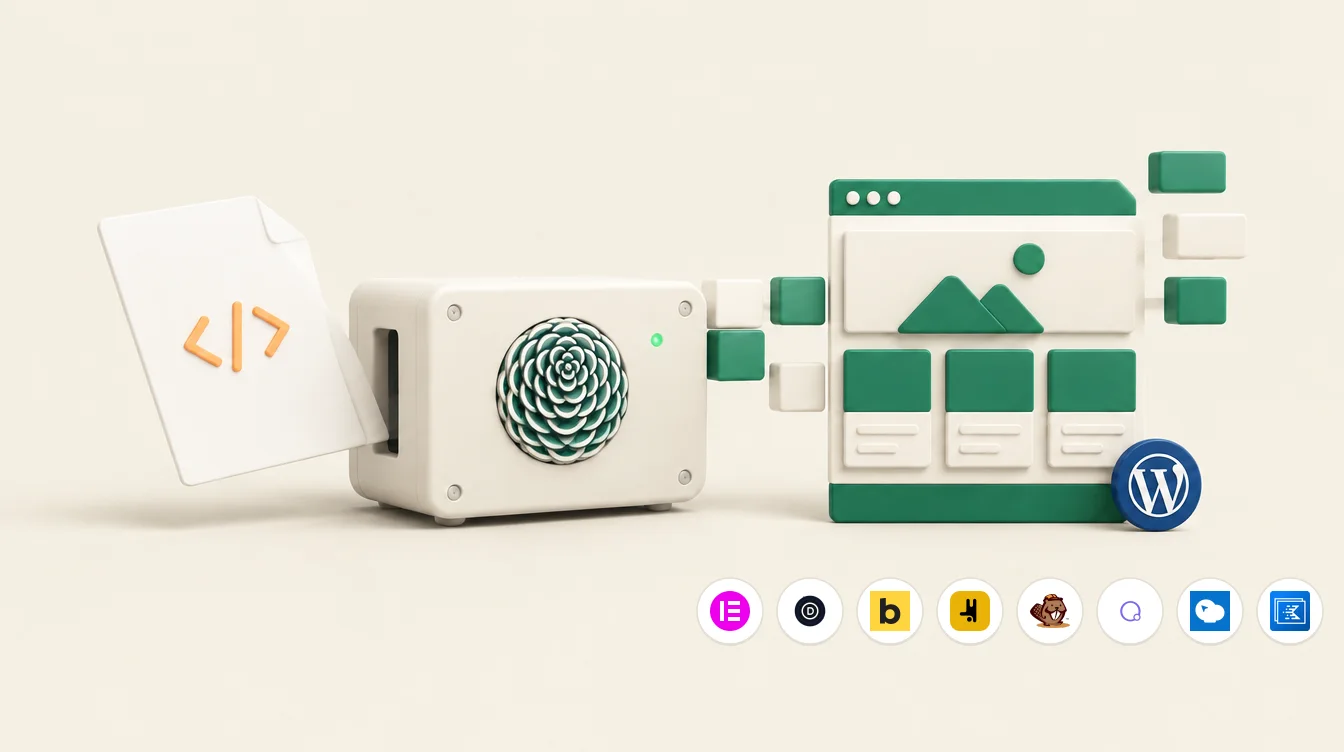
Ask ChatGPT or Claude for a landing page and you get a good one: a single HTML file with its own stylesheet, the fonts it wants, the spacing it wants. Then you have to get it into WordPress, into the builder the site already runs, as blocks somebody can edit next month. Respira Exhale does that part. Drop the file in, pick the site, and a few seconds later the page exists in your builder's own sections, rows and modules, looking the way the file looked.
Why it exists
i kept watching the same thing happen. The AI wrote a page that was better than the brief. The person then spent an afternoon rebuilding it by hand in Divi or Elementor, or pasted the whole thing into an HTML widget, which renders but cannot be edited, or asked a coding agent to write the builder JSON, which costs tokens and comes out different every time. The design was finished. The last mile was the problem.
Respira has had a converter inside the plugin for a while, reachable by agents over MCP. Respira Exhale is that converter finished properly and given a front door: fidelity mode on every builder, a page in the dashboard that needs no agent at all, and a share link and a Murmur link on the way out.
What it is
Respira is a translator between an AI and a WordPress site. Respira Exhale is the translator pointed at one thing: a finished HTML page, which is why it is called the HTML to WordPress converter. It reads the file and rewrites it as the native elements of whichever builder the site runs, 17 of them today. What you get is a page you can open in the builder and edit like any page you made by hand.
No model runs during the conversion. It is deterministic PHP on your own server, with its own HTML parser and its own CSS selector engine. The same file gives the same page every time, and it takes nothing from your ChatGPT or Claude plan and nothing from an API key. The AI's job ends when the file is written.
What happens in those seconds
- Cleaned first. Scripts, event handlers and unsafe links are removed before anything runs. What was removed is listed in the report.
- Images land in your Media Library. Pictures embedded in the file are uploaded once and checked to be real images. Pictures referenced by URL are used as they are.
- The builder is detected. Or you name it, on a site that runs more than one.
- The stylesheet is read. Respira's own selector engine works out which rules reach which elements, so the structure it builds matches the design, not a guess at it.
- The structure becomes the builder's blocks. Sections, rows, columns, headings, text, images, buttons, in the builder's own elements. Whatever a builder cannot carry natively stays as written in an HTML element, still editable there.
- The stylesheet travels with the page. Scoped to that page and nothing else, so the design you drew is the design that renders, and the site's theme does not restyle it.
Two ways the design travels
Fidelity mode is the default whenever the file has a stylesheet. The page keeps the file's own structure one to one, every leaf keeps its markup as written, and the stylesheet is carried verbatim, scoped to the page. Measured on a seven-section landing page at desktop width, the rendered result matches the source file at 96 out of 100 on Elementor and between 76 and 90 on the other builders, and each of those pages opens in its editor as ordinary sections. Restyle mode is the older path: it maps the design onto the builder's own settings and the site's design tokens, so the page inherits the site's look. Ask for it when that is what you want.
Three ways to run it
- In the dashboard. Respira Exhale under Your sites. No agent to connect: the plugin on the site and that page are all it takes. Drop the file, pick the site and the builder, press once.
- In Respira AER. Attach the file to a message and type
/convert. AER runs the same converter on the site you pick, then opens the result through a share link and tells you if the stylesheet did not apply. - From your own AI. Claude Code, Cursor, Claude Desktop or ChatGPT connected through the Respira MCP server call
convert_html_to_builderwith the file. Same converter, same report.
What comes back
A new page, published unless you asked for a draft, so nothing that exists is touched. A share link that opens it on any device with no login, for 14 days. A Murmur link, on Builder and up, that opens the same page with a small review bar, so a client taps a spot and leaves a comment with their name, and the comments come back to you in Respira. And a report that does not flatter itself: mode, sections and elements written, whether the stylesheet was carried, the template, every warning. In fidelity mode there is no score on purpose. A node count once said 91 for a page that rendered white, so the render is what gets checked, against the share link.
Several sites, and the design system
Tick more than one site and the same file becomes a page on each of them, in each site's own builder, one after the other, with a line per site and its links. An agency that has a standard page, a privacy page, a pricing page, a campaign landing, puts it on every client site in one go instead of once per site.
The same file can also set a site's design. A page written by an AI carries its colours, fonts and spacing in its stylesheet. Under the result there is one button that hands the file to Respira Art Direction, which reads the file's own tokens, or derives them from the background, text colour, accent and font stacks, and turns them into the direction every agent working on that site builds against.
What it costs
Respira Exhale is included in every plan. The rule is one line: 2 pages a month for each site the plan allows, so Maker has 2, Builder 5 has 10, Builder 10 has 20, Studio 25 has 50, and every page you convert counts, from the dashboard, from Respira AER or from a connected AI. Annual plans get the year's pages up front, plus three months on top, to spend whenever the work comes. When the pages are used, the converter names the next plan up, which includes more. There are no packs and no credits to keep track of. A trial has 10 pages. The page Respira Exhale offers to start with never counts.
What it will not do
- Fetch external stylesheets. Send the whole document, head and style block included, or let your AI write one file. A file that lost its style block converts to structure only, and the report says so.
- Carry an
@import. Use a plain font stack or a Google Fonts link. - Take more than 3.5 MB through the dashboard or 5 MB through the tool, or a scoped stylesheet over 150 KB (100 KB on Divi and Bricks). Over the cap the page is not created and you are told why.
- Run the scripts in the file. They are removed, and listed.
How to start
Start a trial, add your site, install Respira for WordPress and connect it to your dashboard with the licence key. Then open Respira Exhale under Your sites, drop the file, and under five seconds later the page is on the site in the builder of your choice. The page with everything in one place, the film included, is respira.press/exhale.
Mihai

Join the conversation
0 comments · Respira accountNo comments yet. Be the first to weigh in.